
pROJECT: Katrina Hobson photo restoration
PROJECT 3:
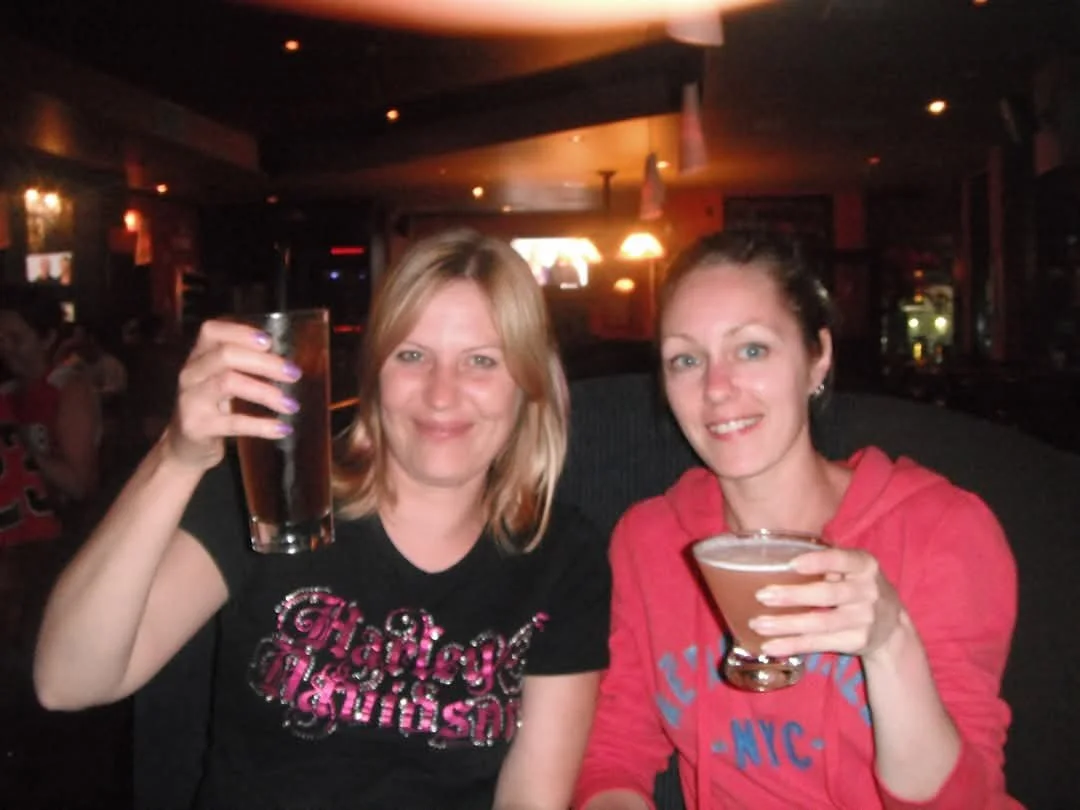
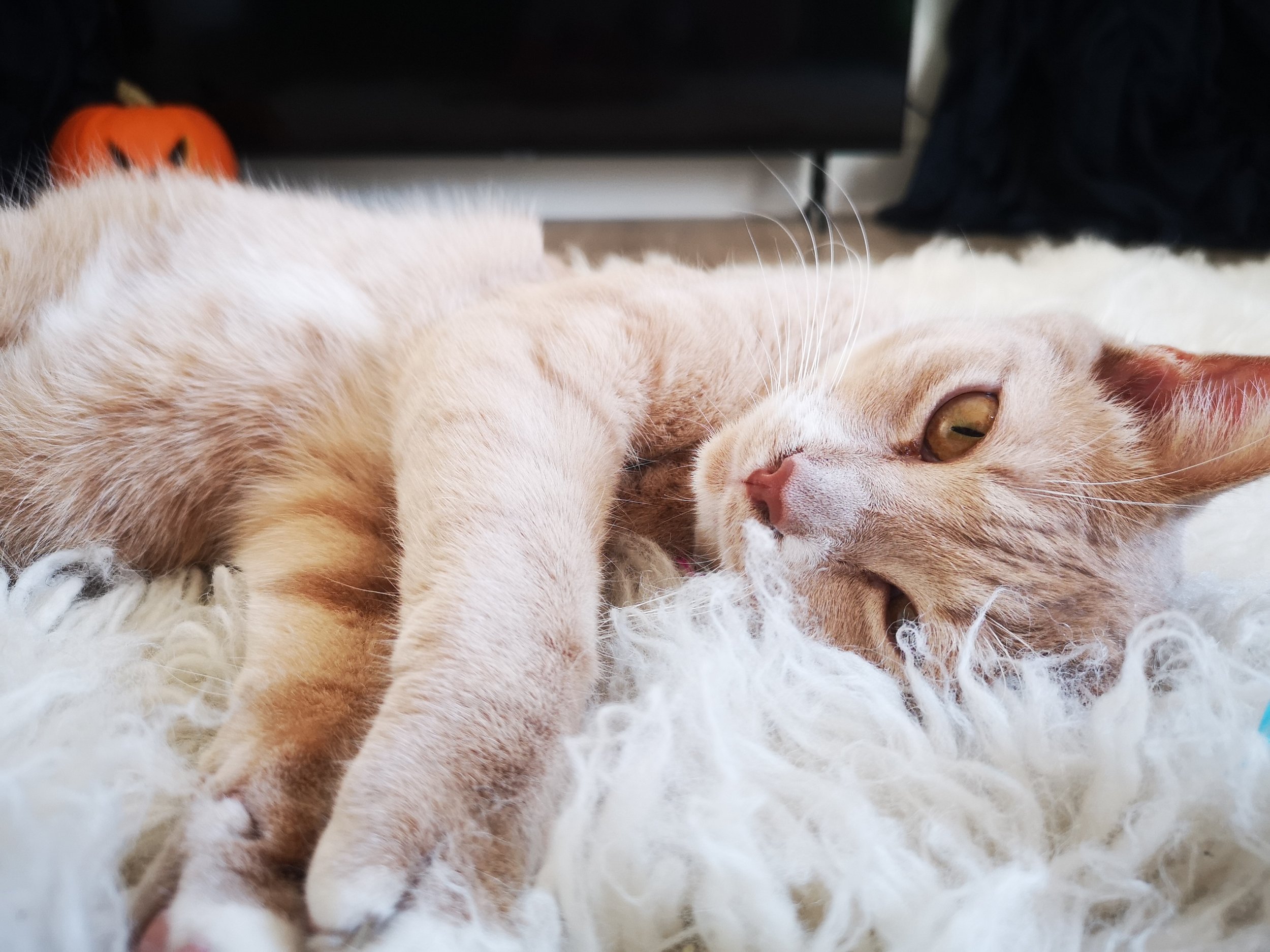
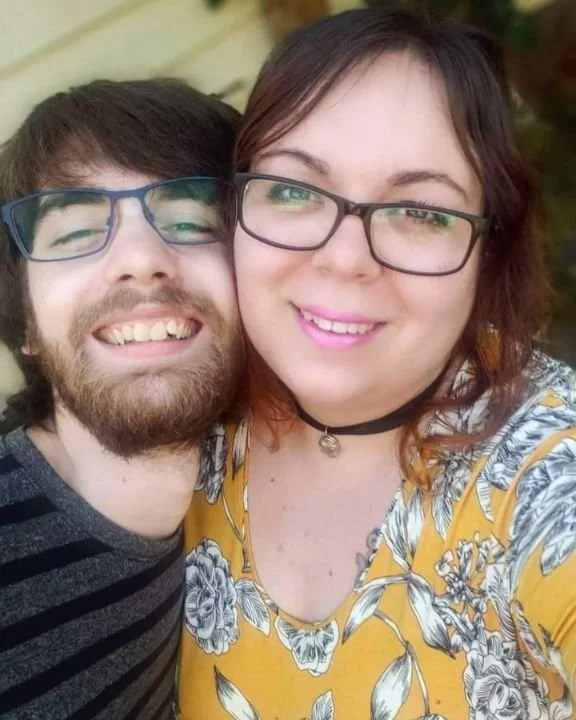
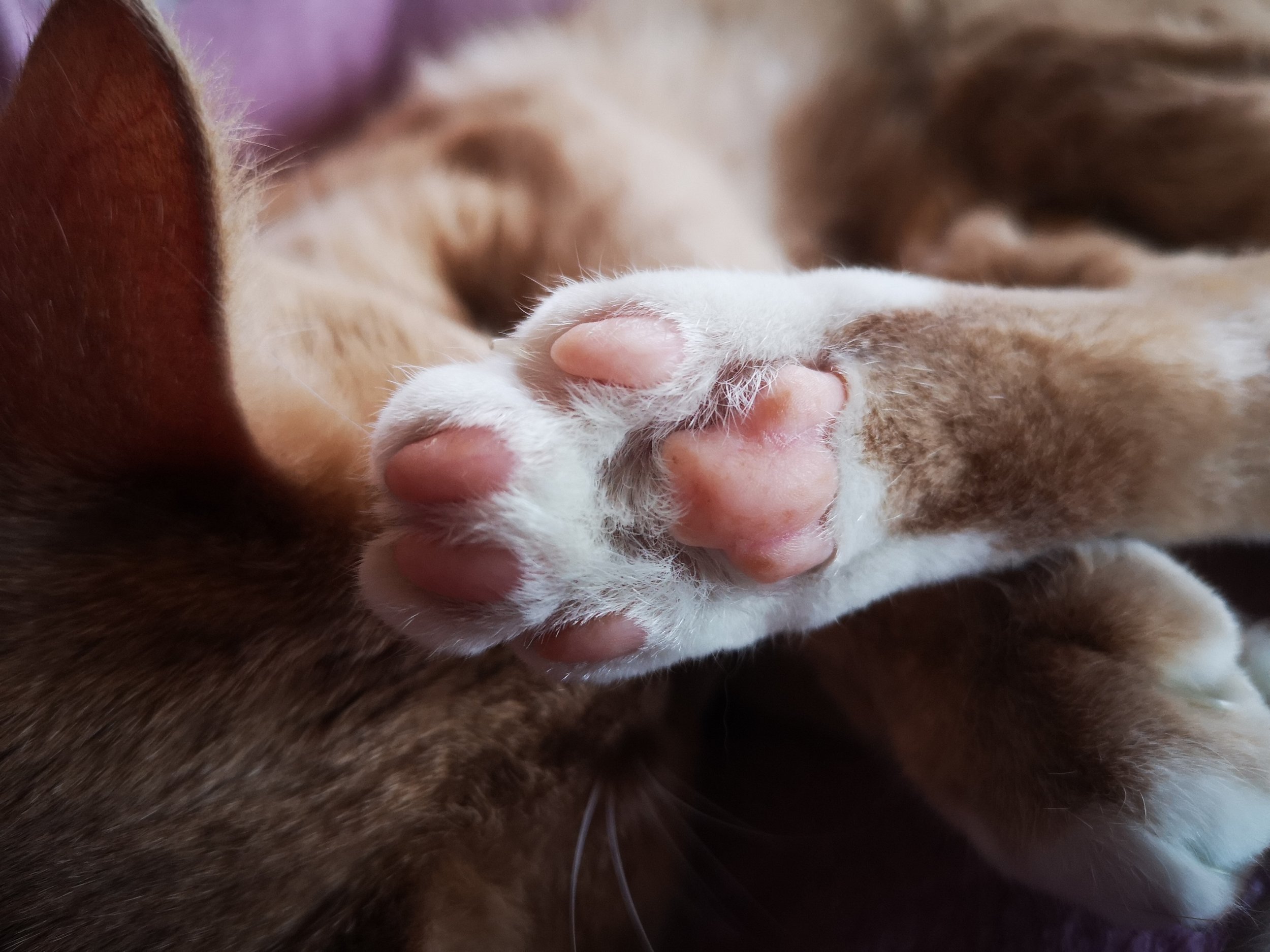
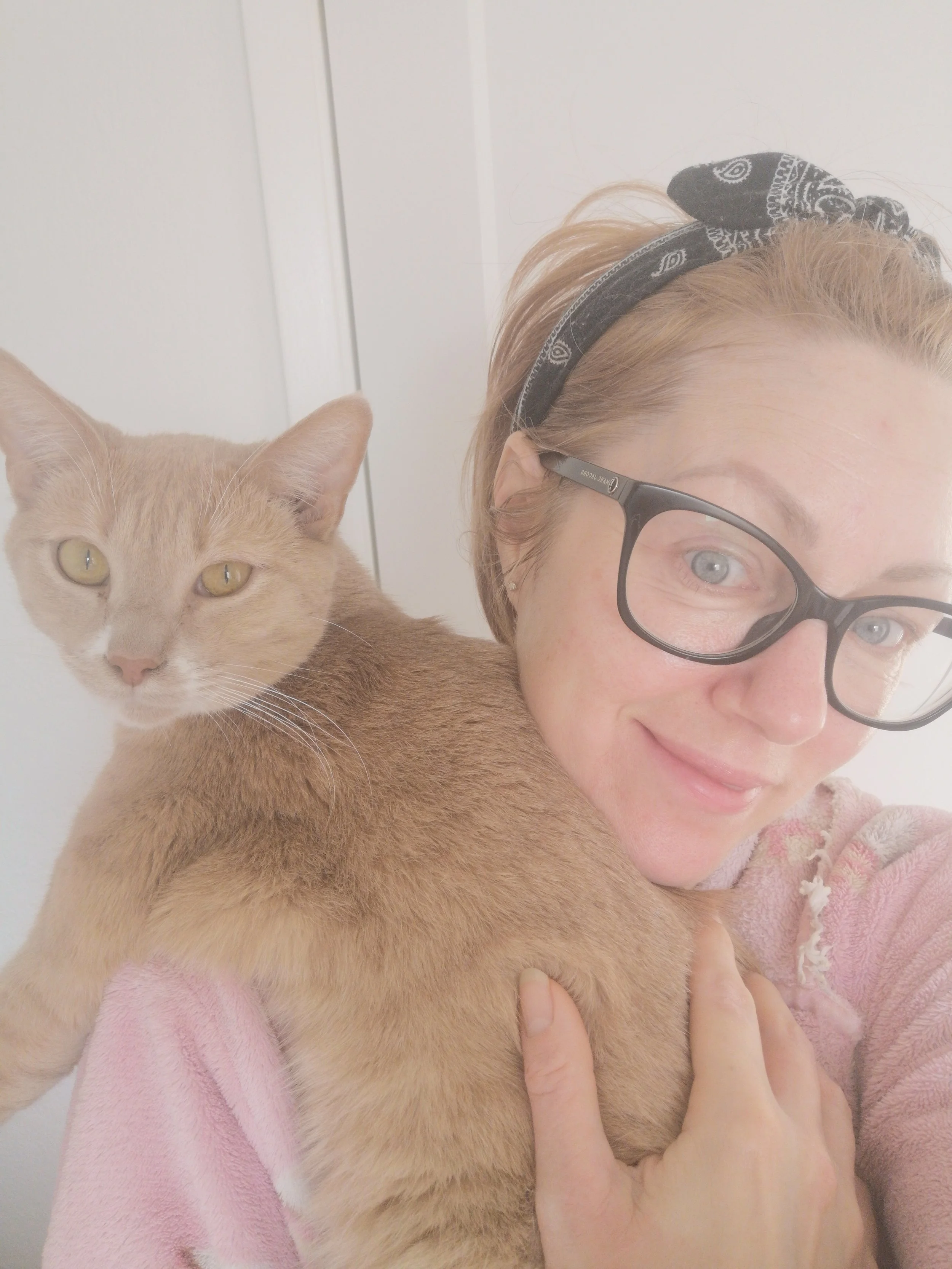
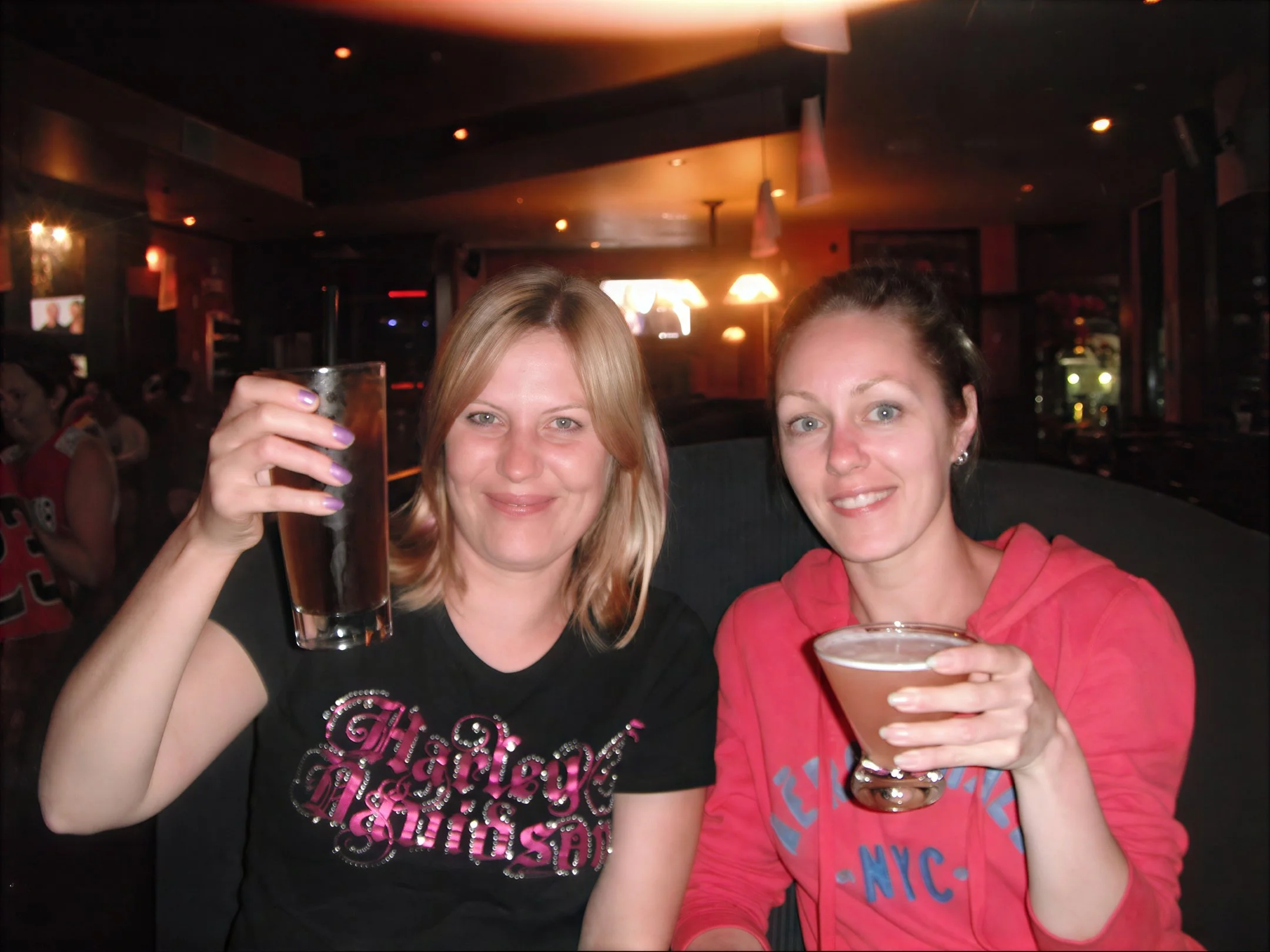
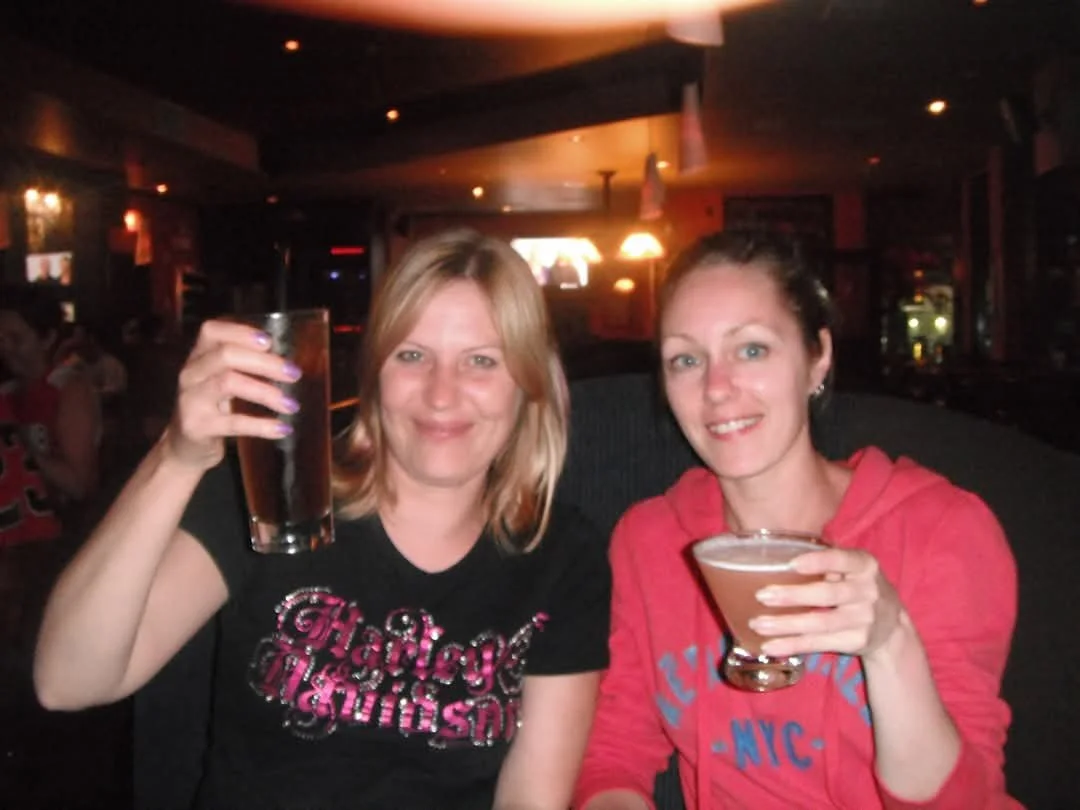
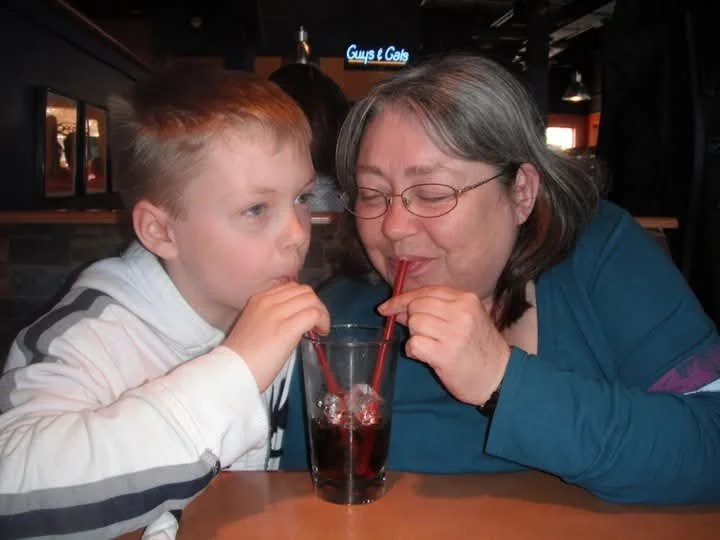
Edit 2: 06/15/26. Correction on fine detail. Teeth returned to source with slight sharpen and denoise. Before and after comparison. Conversion of resolution from 72dpi to 300dpi
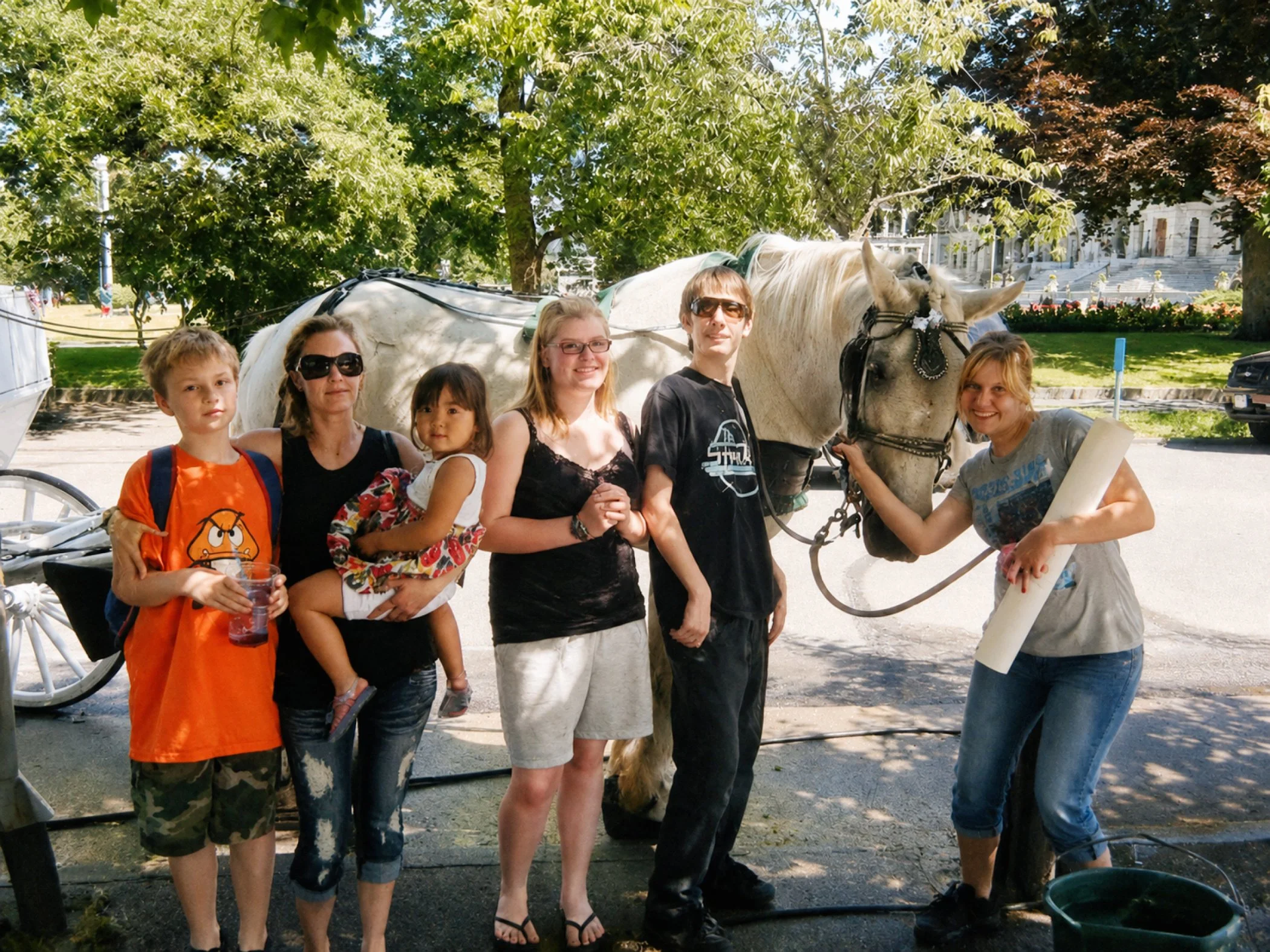
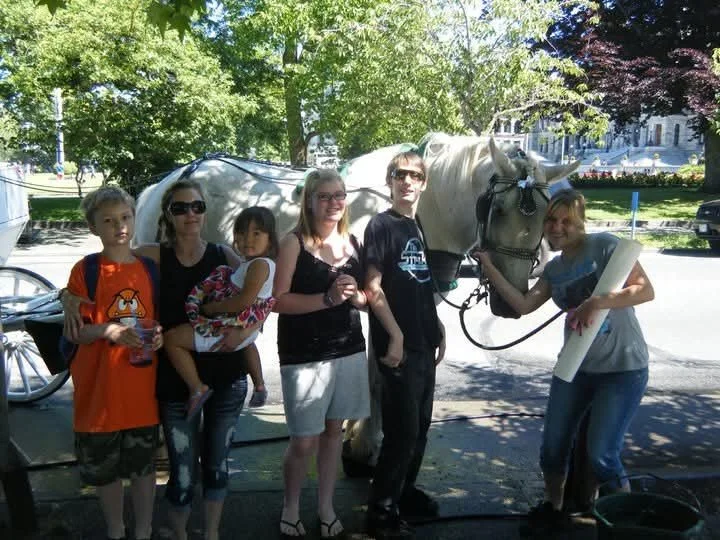
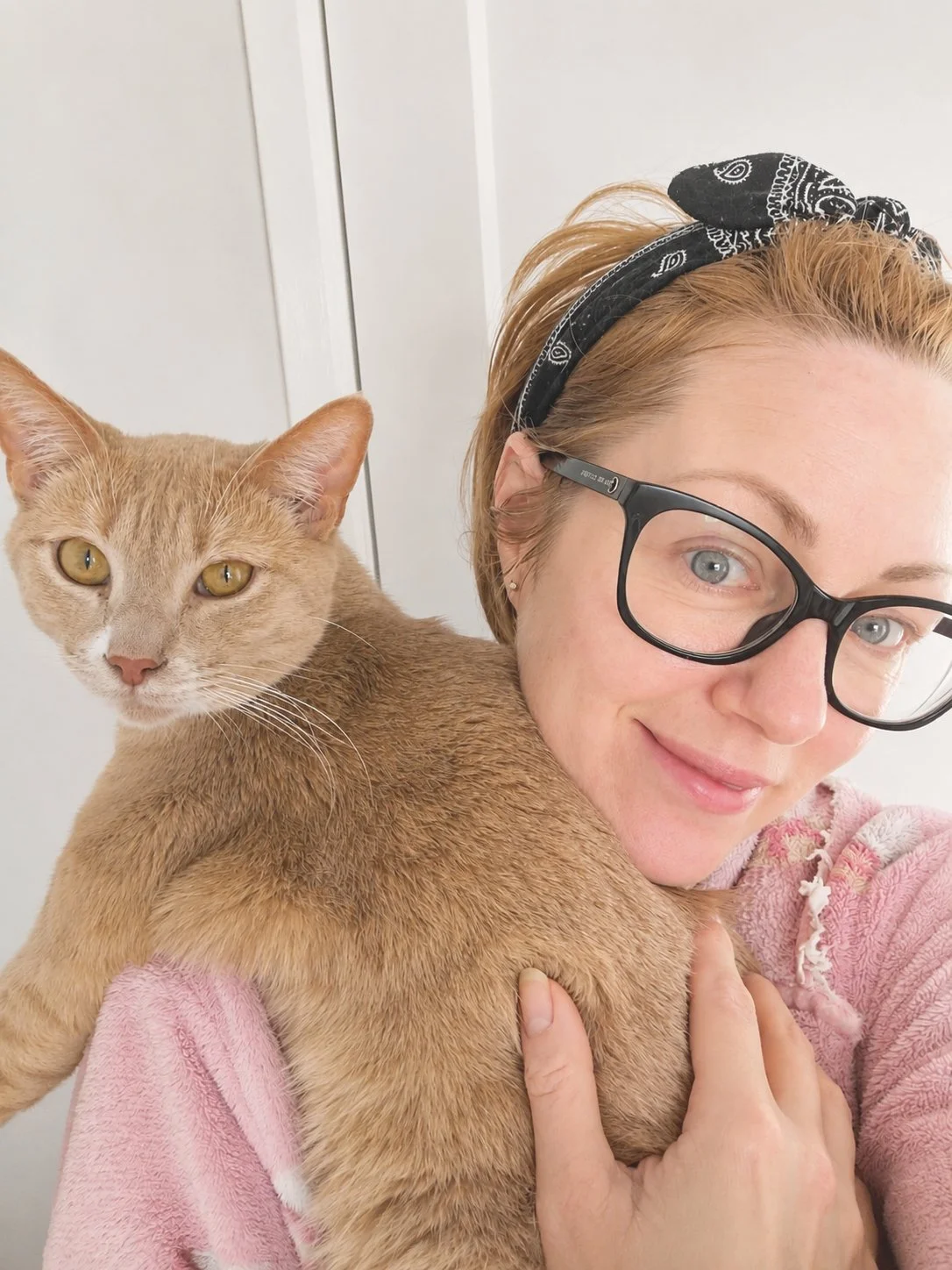
Adjust contrast and highlites. Adjust to reduce the washed out appearance. Conversion of resolution from 72dpi to 300dpi
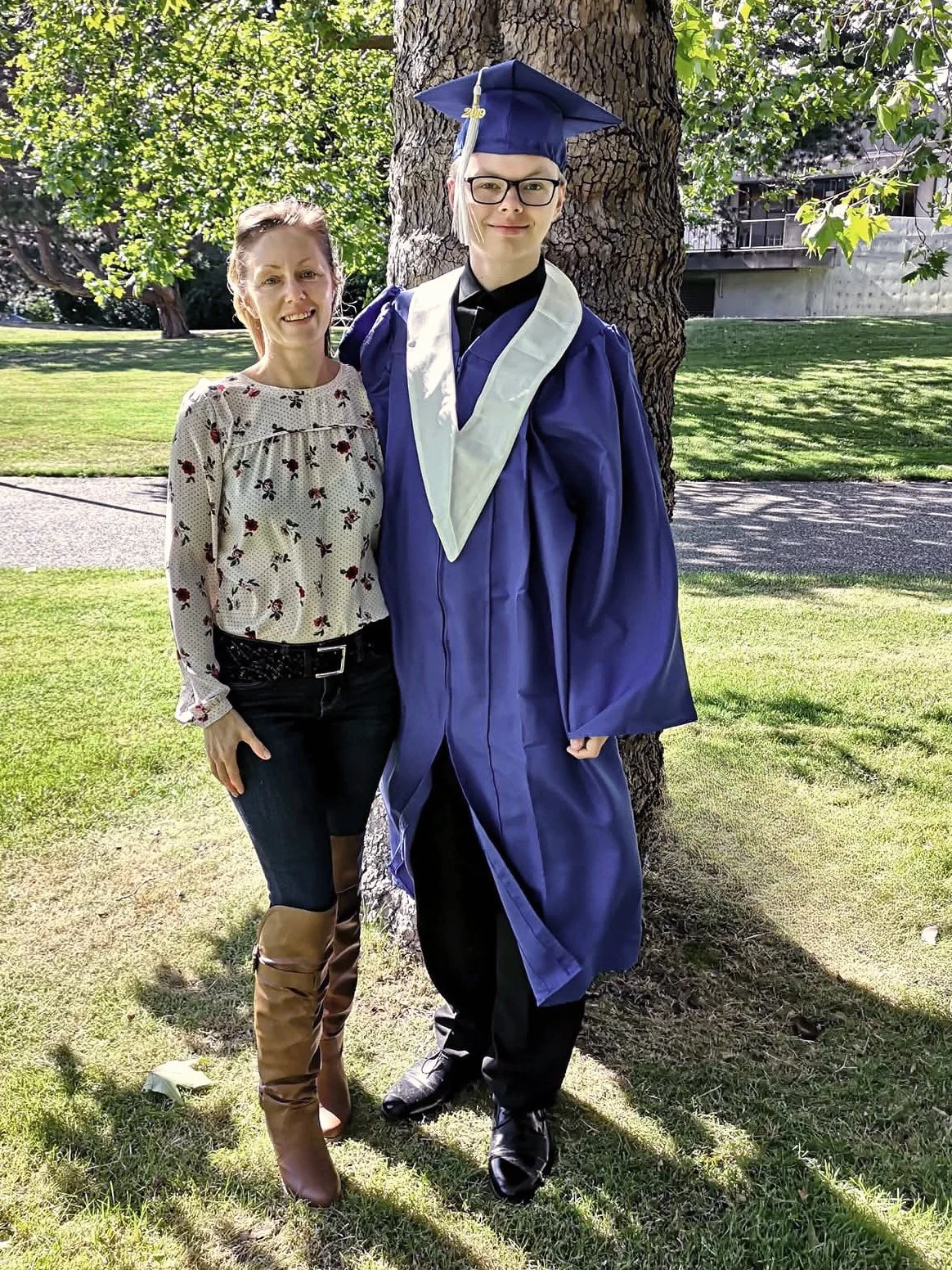
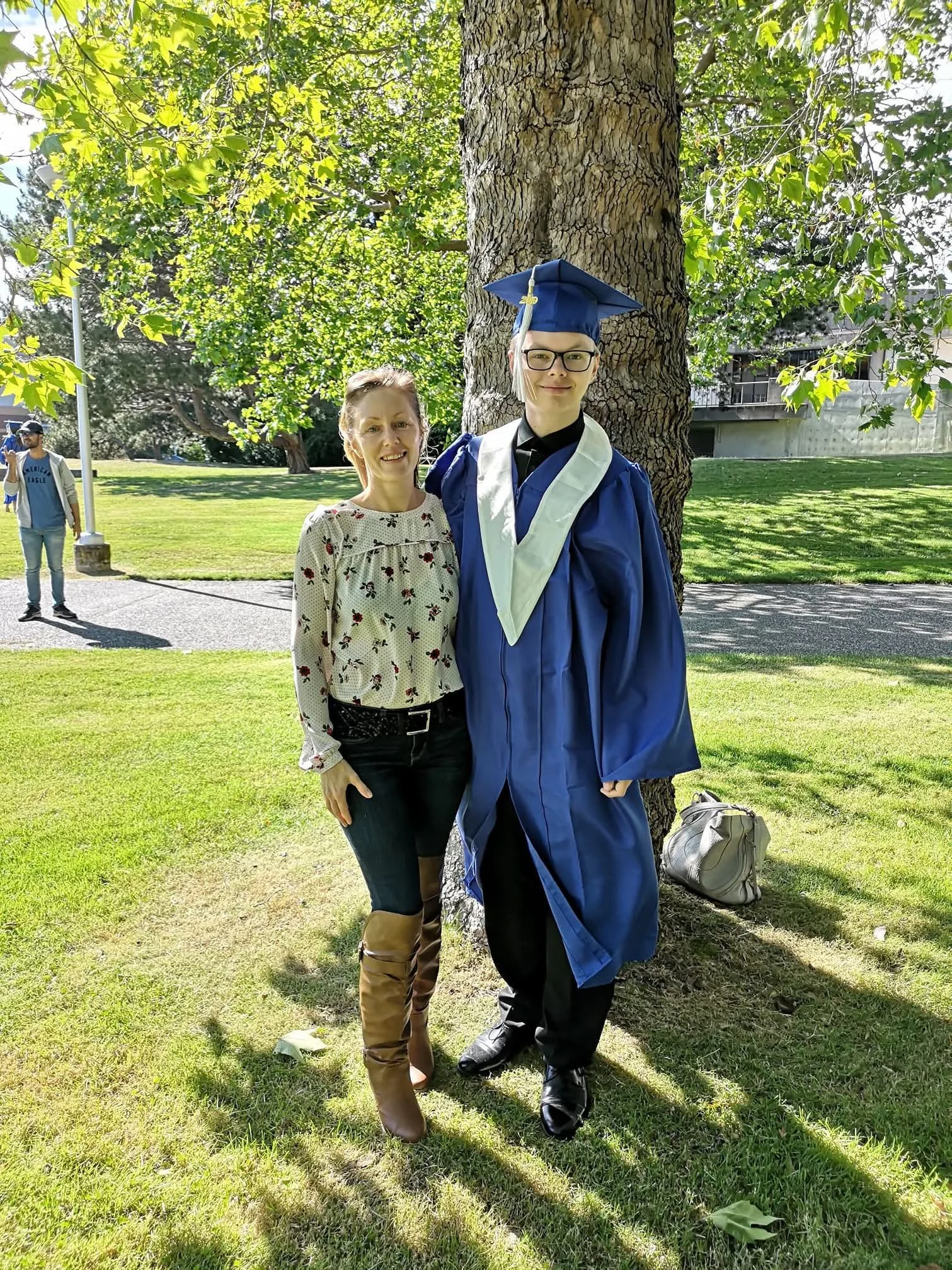
Slight crop maintaining original dimensions to better centre subjects and remove distractions. Removed purse from lower right side of tree and person from far left. Conversion of resolution from 72dpi to 300dpi
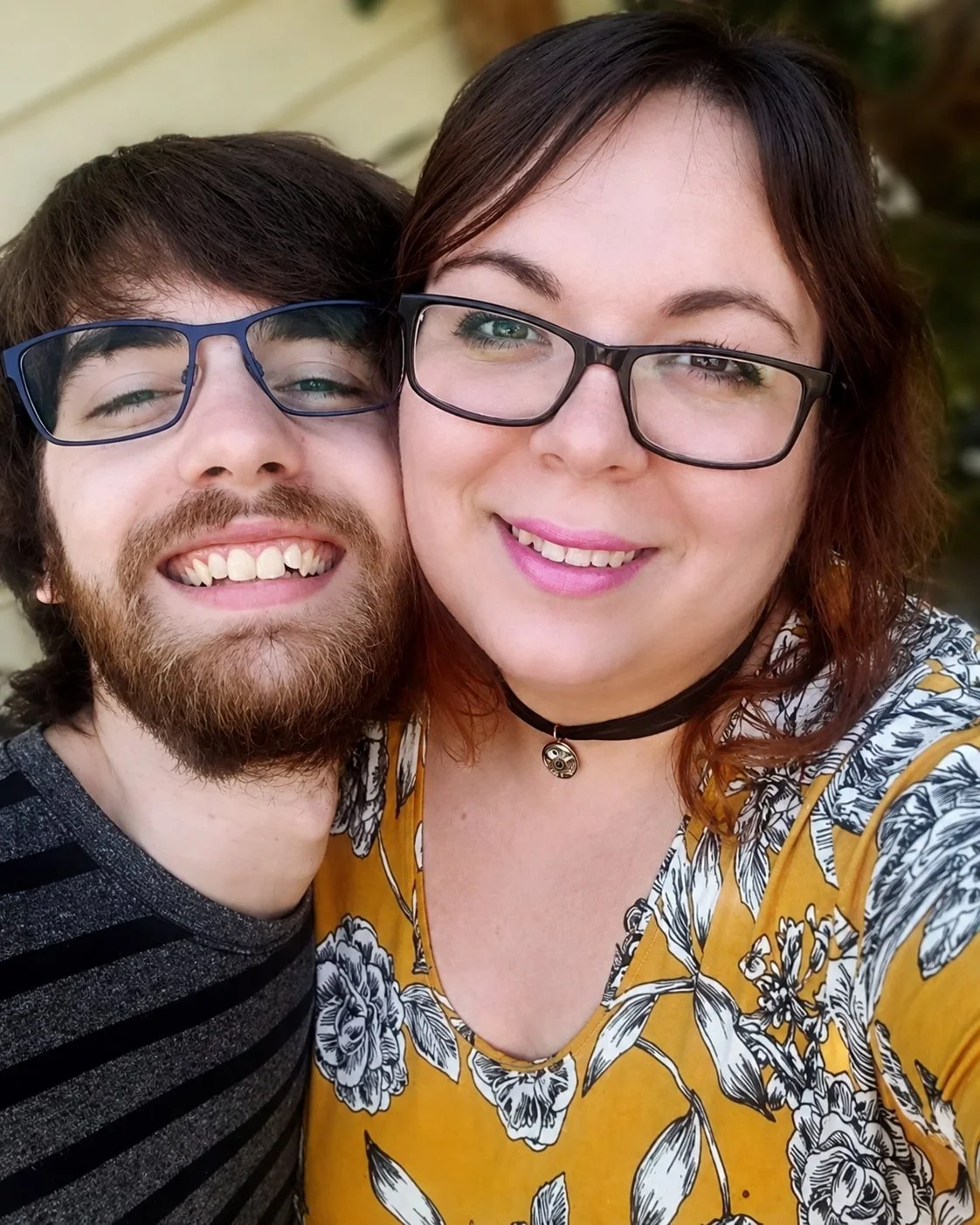
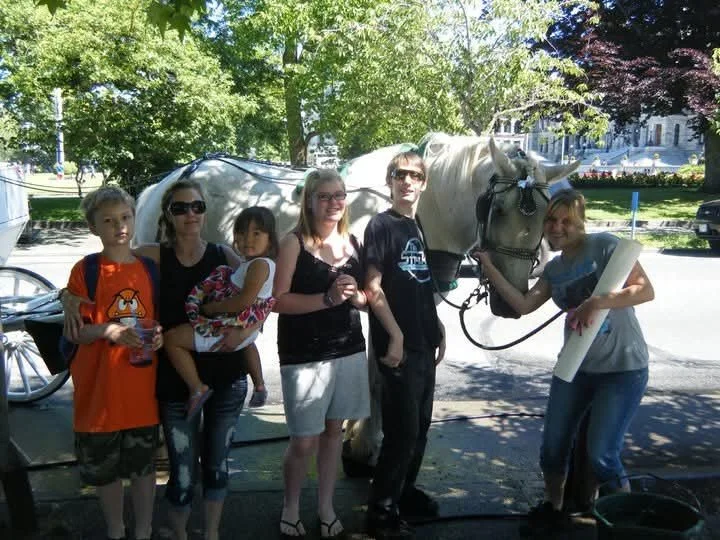
Color adjustments, hilites and shadows. Conversion of resolution from 72dpi to 300dpi
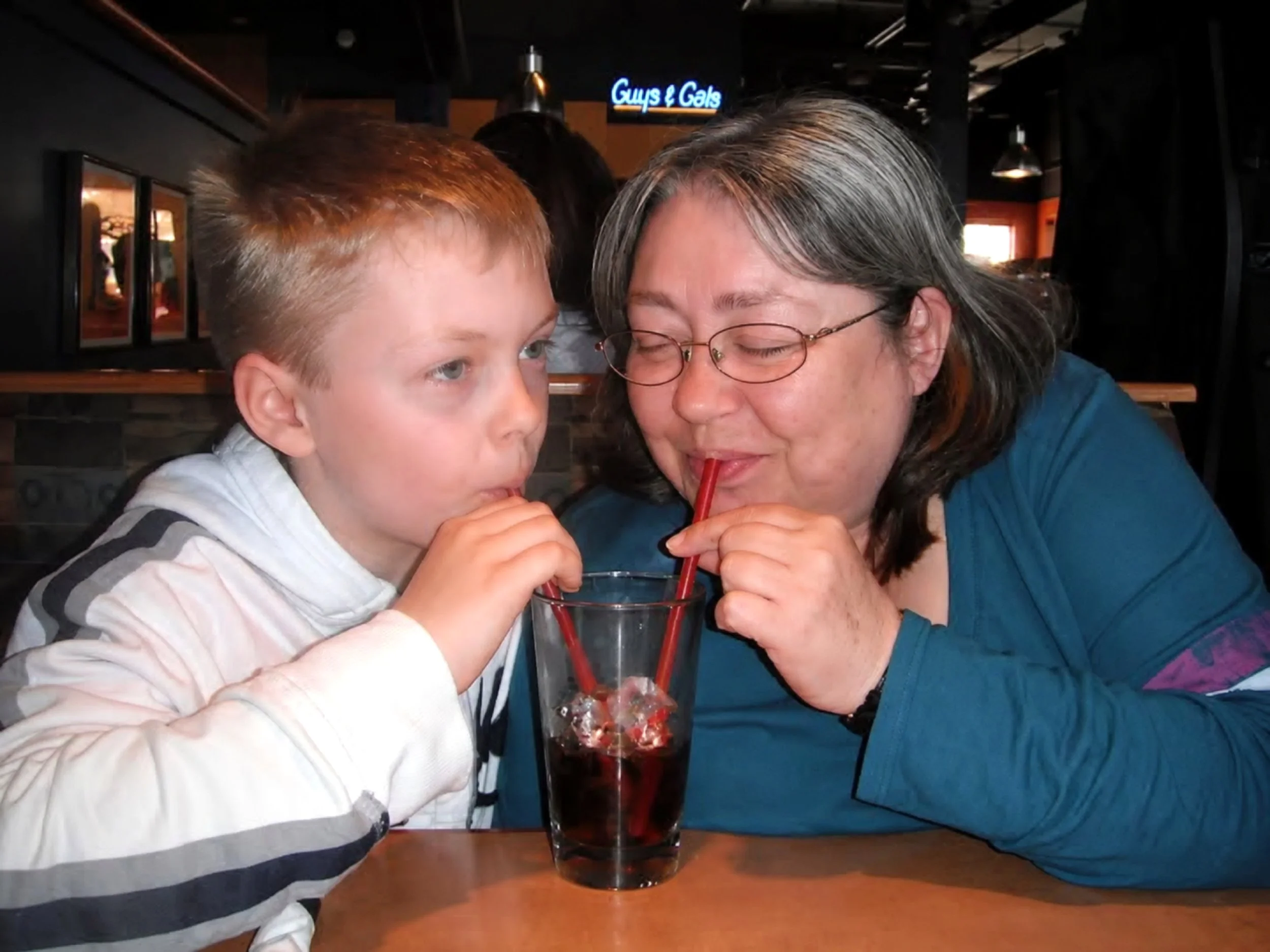
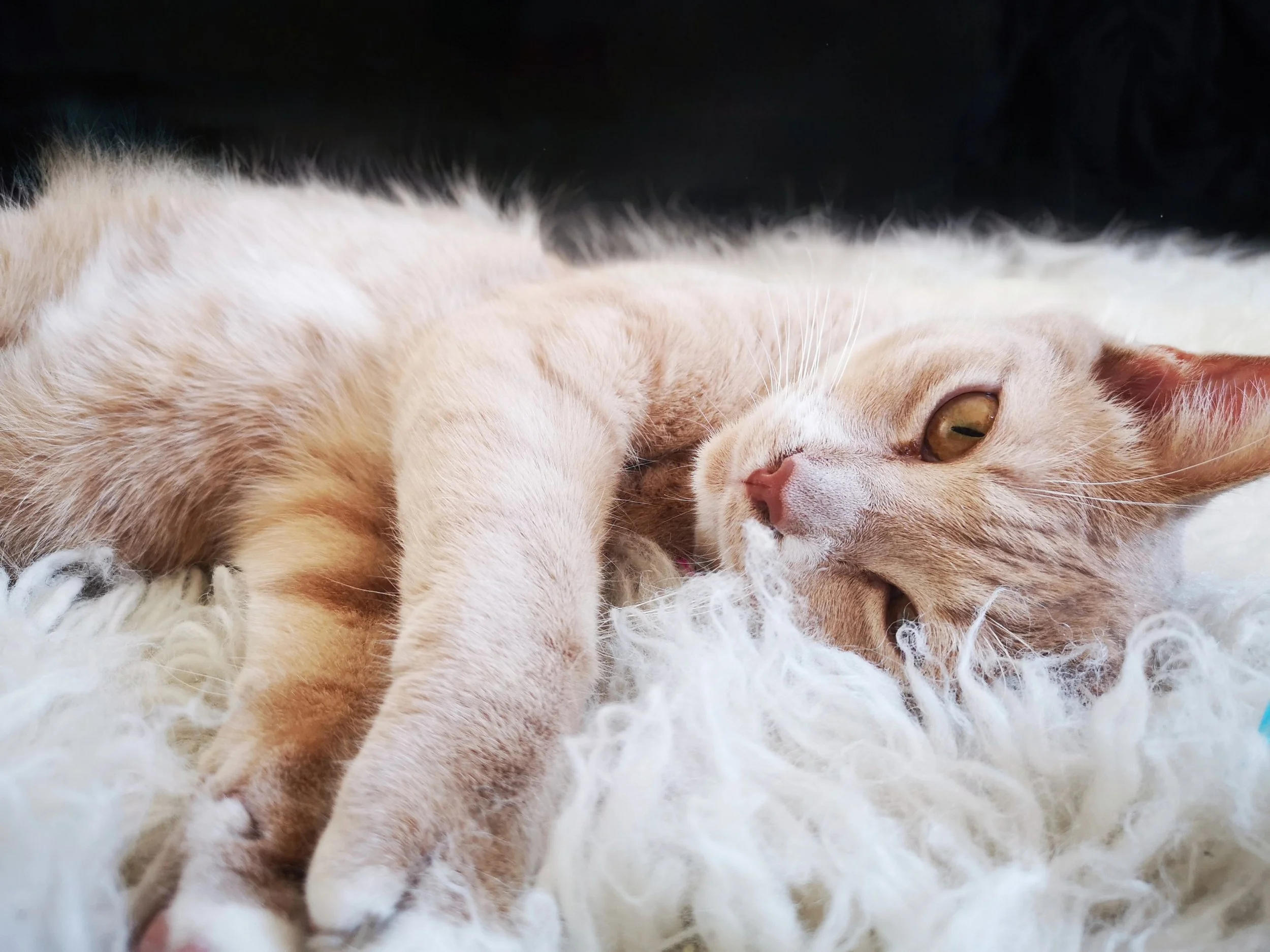
Removed background distractions to better hilite and focus cat. Other than that, this is an great picture requiring no edits. Conversion of resolution from 72dpi to 300dpi
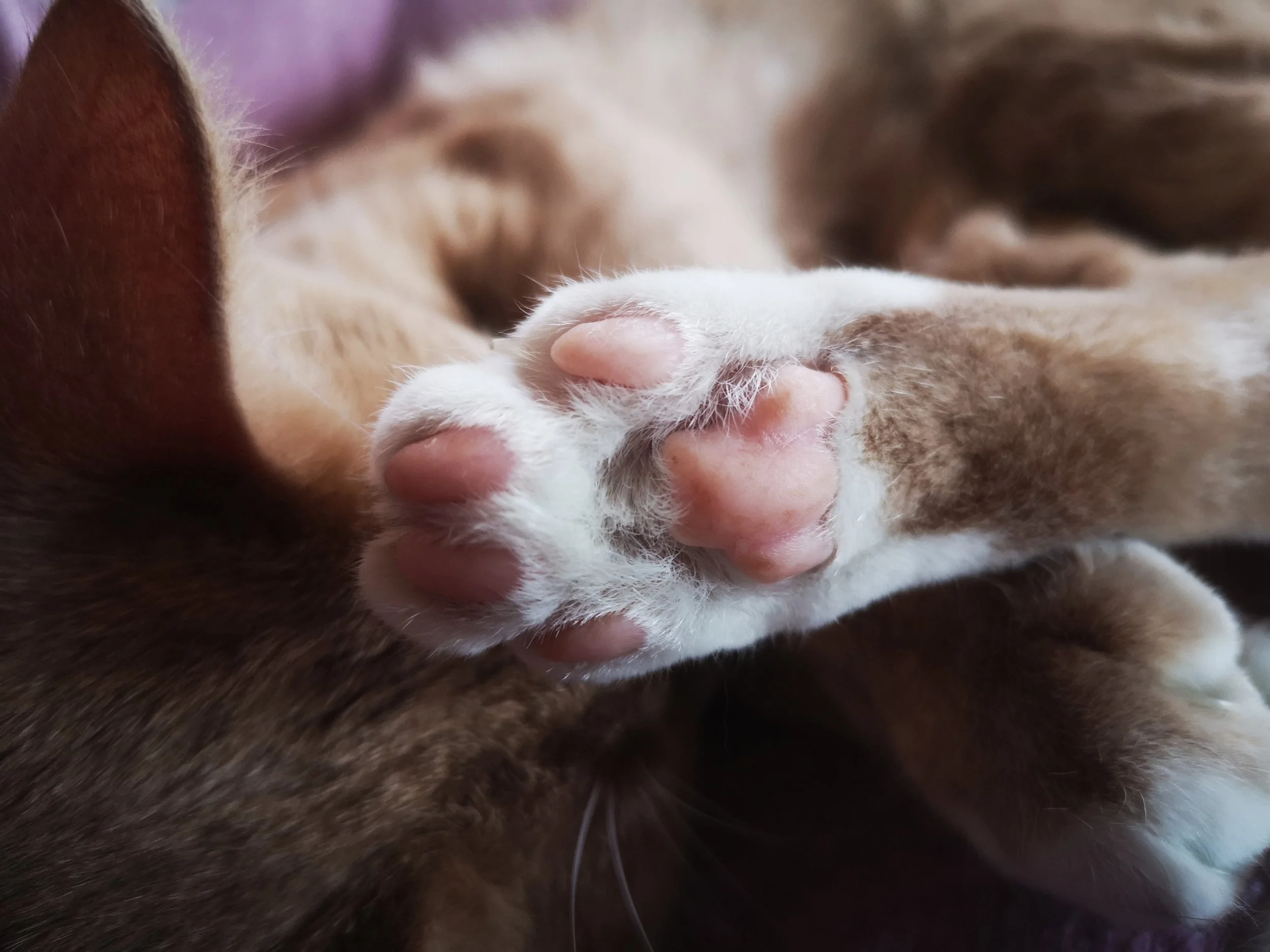
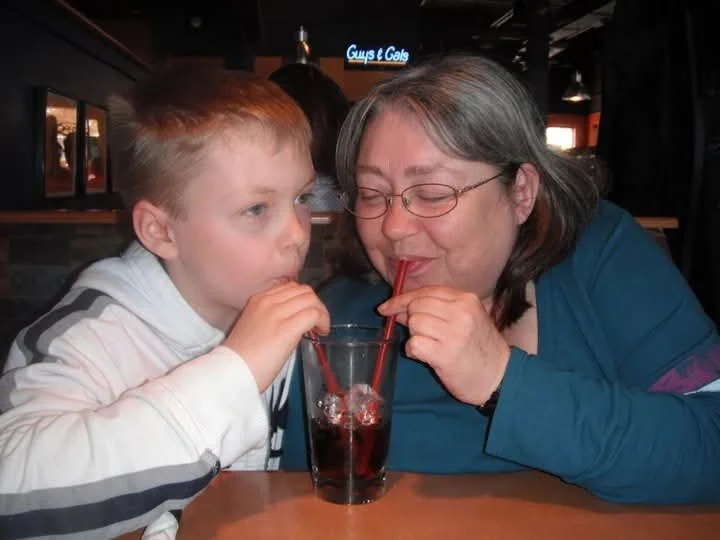
Subtle tweaking on hiltes and shadows. Overall slight softening of image. Conversion of resolution from 72dpi to 300dpi
PROJECT 2:
Portraits: These are a newer edit. Re-scanned the teeth. There is no beauty mask involved, sometimes when upscaling an image, the software will create new pixels to fit the dimensions requirement which can result in some skewing of the details. Let me know if these versions are closer to reality. I’ve included a larger sample of the original unedited images for comparison


Baby Footprint: Sized to 5 X 7 - Centered Middle


Notes: Original file name: IMG_2490. This has been scaled to 1800px X 1350 from 4608px X 3454 to achieve a smaller file. This scales to 6 X 4.5. For standard sizing, there is the option up upscaling image slightly to a 5 X 7. Included as image 2 for comparison to the right. 5 X 7 vs 6 X 4.5


Notes:
Photo Restoration by:
